
CommandIQ app suite
Are you getting the most out of your wi-fi?
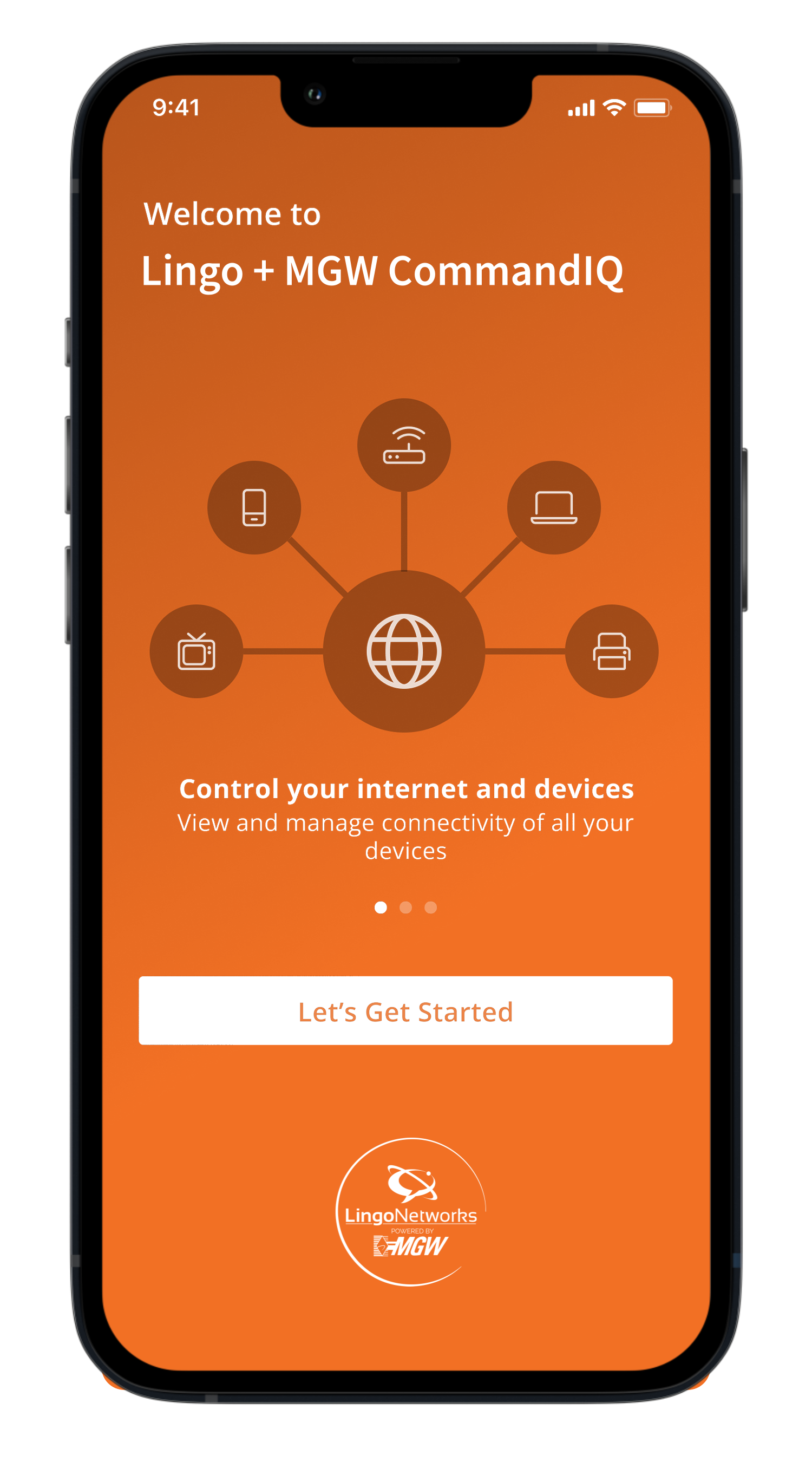
With the CommandIQ App Suite: CommandIQ, ProtectIQ, and ExperienceIQ, you can really take control of your wifi and get the very best from your internet service with Lingo Networks.
Want to change your wifi network name and password?
Wish you could control your kid’s access to WiFi?
Concerned about giving guests access to your WiFi?
Wish you could fix your internet without scheduling a service call?
If you answered “Yes” to any of these questions, Lingo + MGW CommandIQ can help you!



What is CommandIQ?
Smarter control for your home Wi-Fi.
CommandIQ is an easy-to-use app that puts you in control of your home network. From managing connected devices to improving performance and setting boundaries for your family, CommandIQ helps your Wi-Fi work the way your household needs it to — all from your phone.
No complicated settings. No guessing. Just better Wi-Fi.
See and manage all connected devices
Prioritize important activities like streaming, work, and gaming
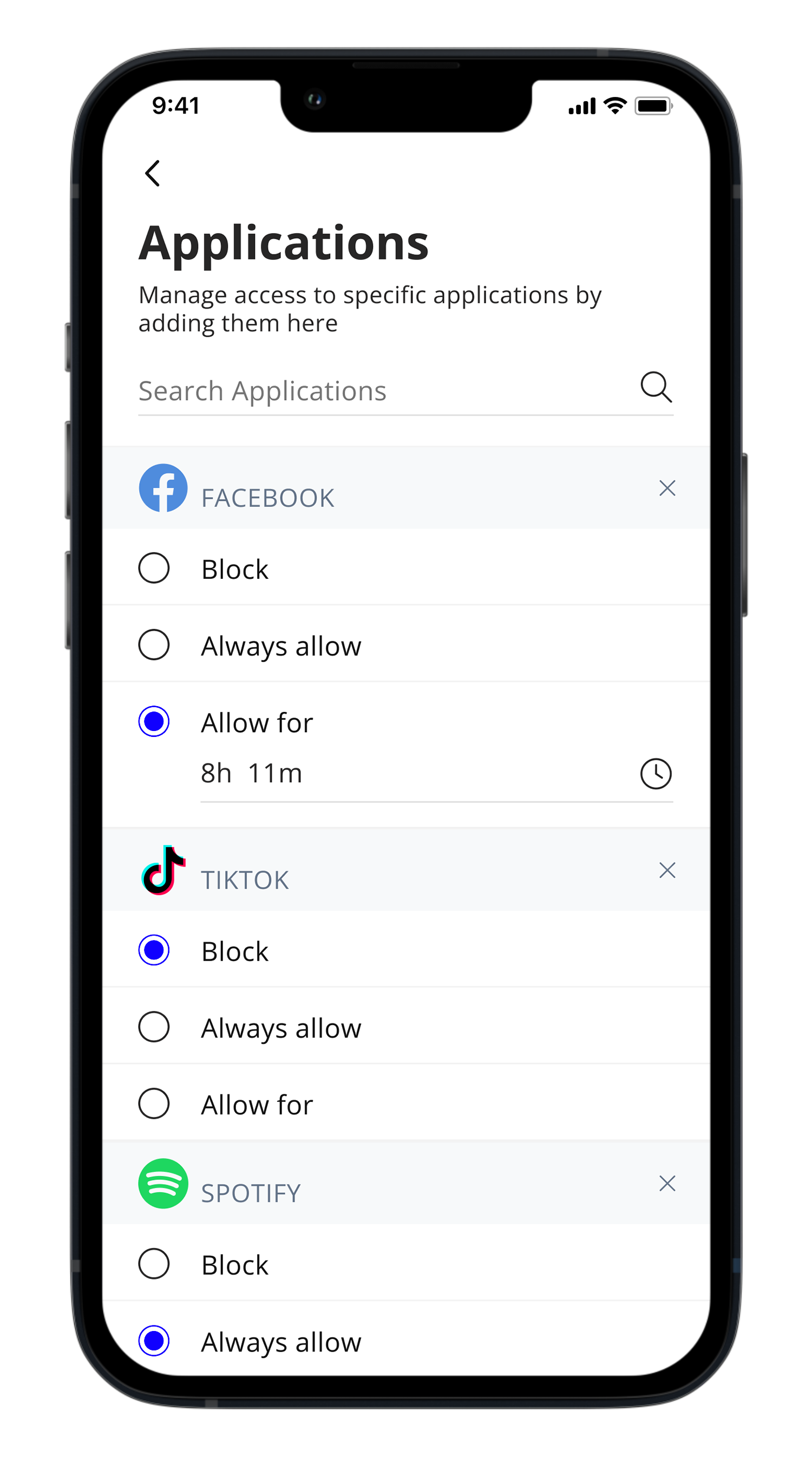
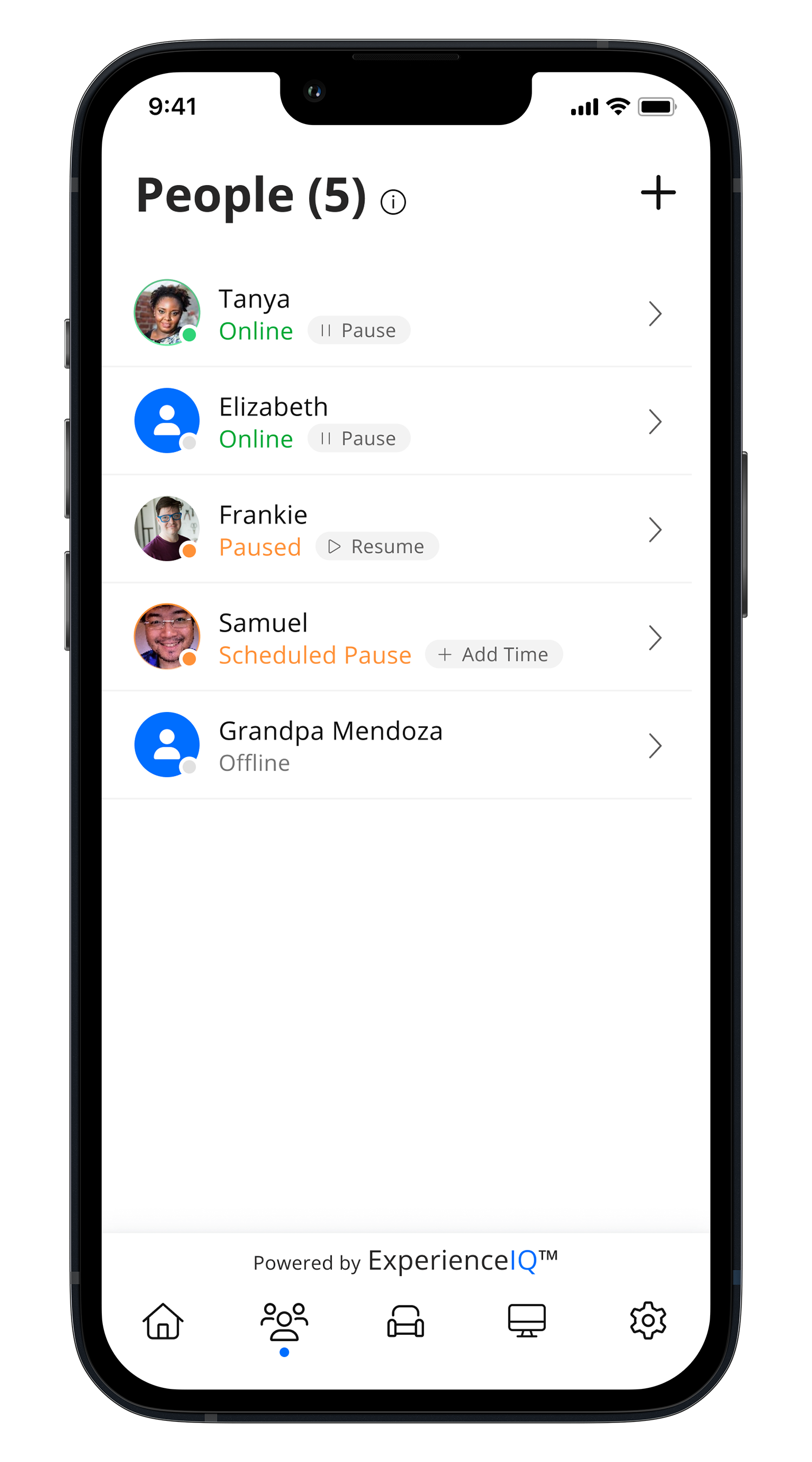
Set schedules, pause access, and manage kids’ devices
Keep your network protected with built-in security tools
Troubleshoot issues and run speed tests anytime
ProtectIQ: network security
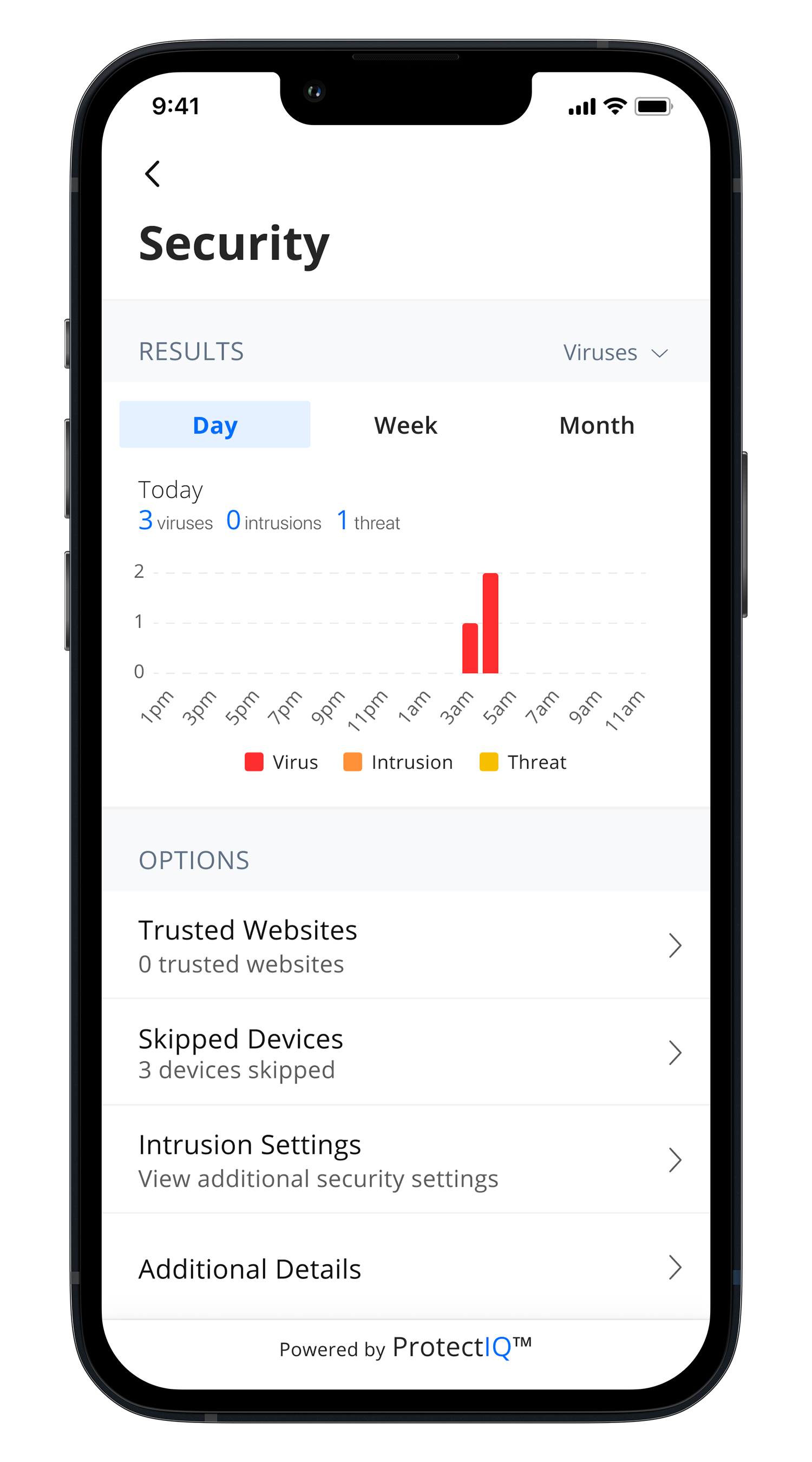
Keep intruders out.
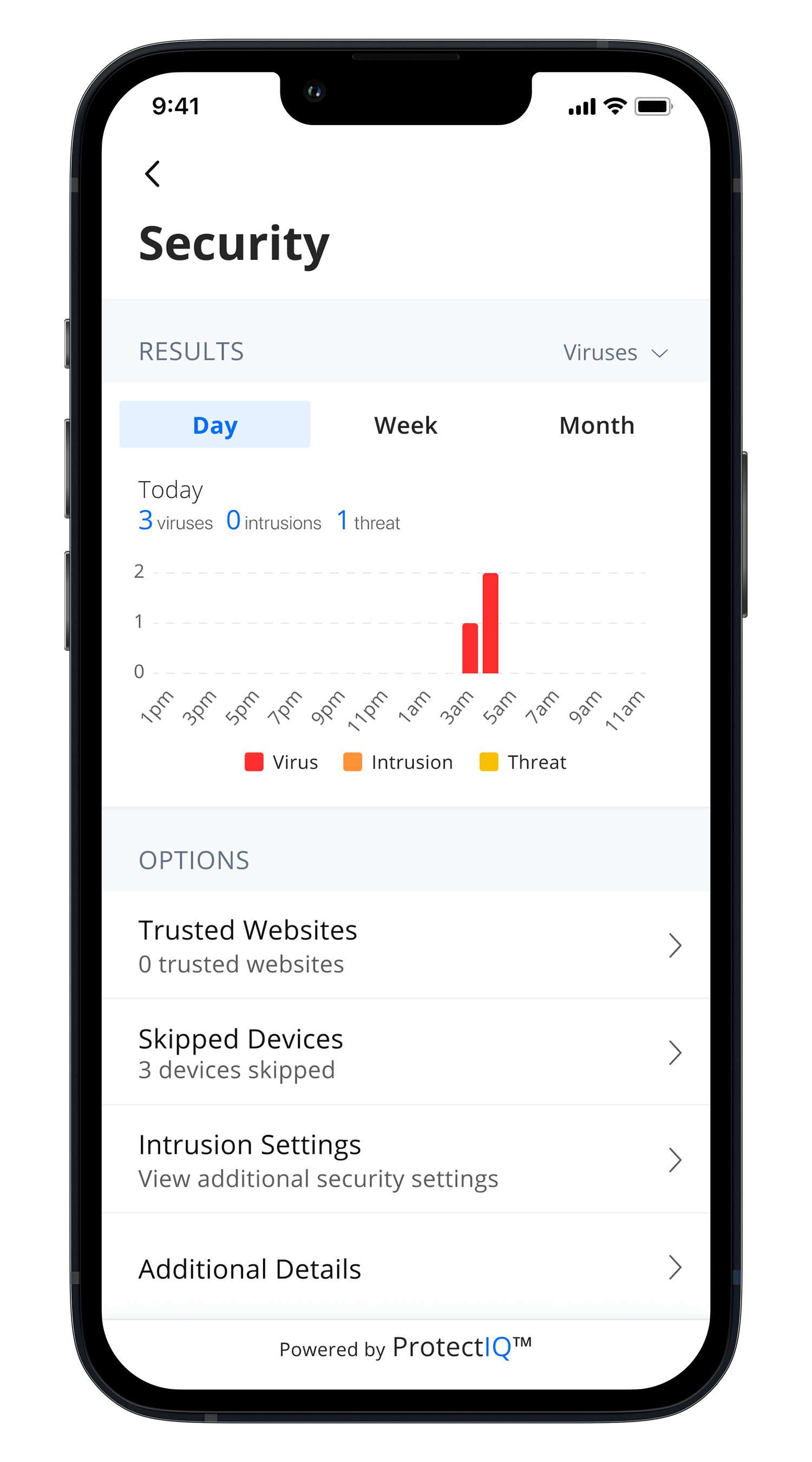
Your devices are important to your life. ProtectIQ is your 24/7 internet watchman. With multi-layered protection, even your most vulnerable devices like smartTVs, thermostats and Wi-Fi cameras are protected before issues happen.
ExperienceIQ
Stay in control of your wi-fi.
ExperienceIQ from Lingo Networks allows you to set the rules, manage screen time and monitors websites and apps across all your family’s connected devices. Simple.

Have a question?
CommandIQ App Suite FAQ
We have how-to videos to make sure you get the full experience with CommandIQ. Learn how to change your WiFi name, password, set parental controls, and more.