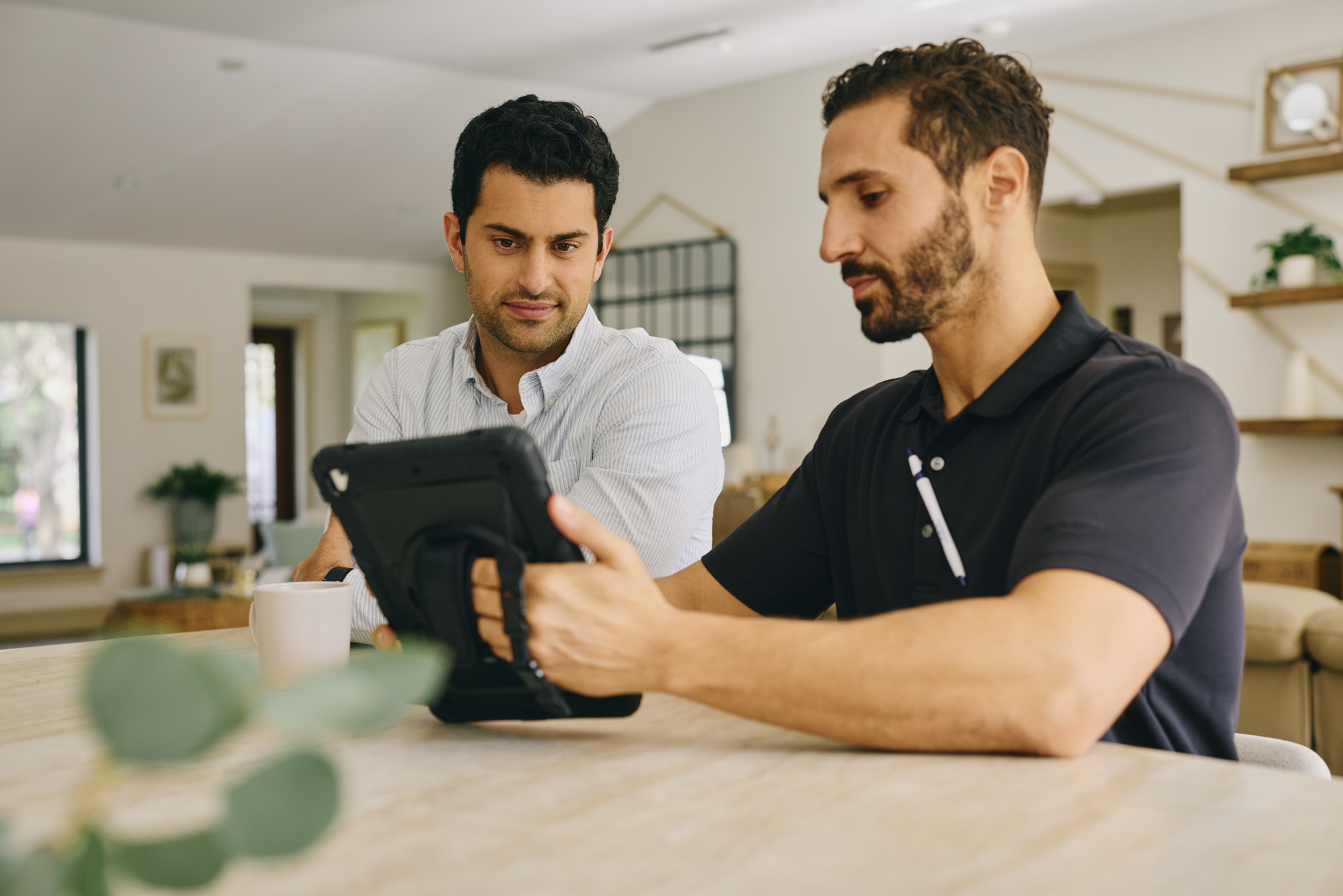
Keep an eye on home.
Smarter cameras. More meaningful alerts. Video security powered by Alarm.com, professionally installed and supported by your local Lingo team.

Smarter cameras.
More useful alerts.
Know what matters, when it matters. Intelligent video helps you stay connected to home without constantly checking your cameras.
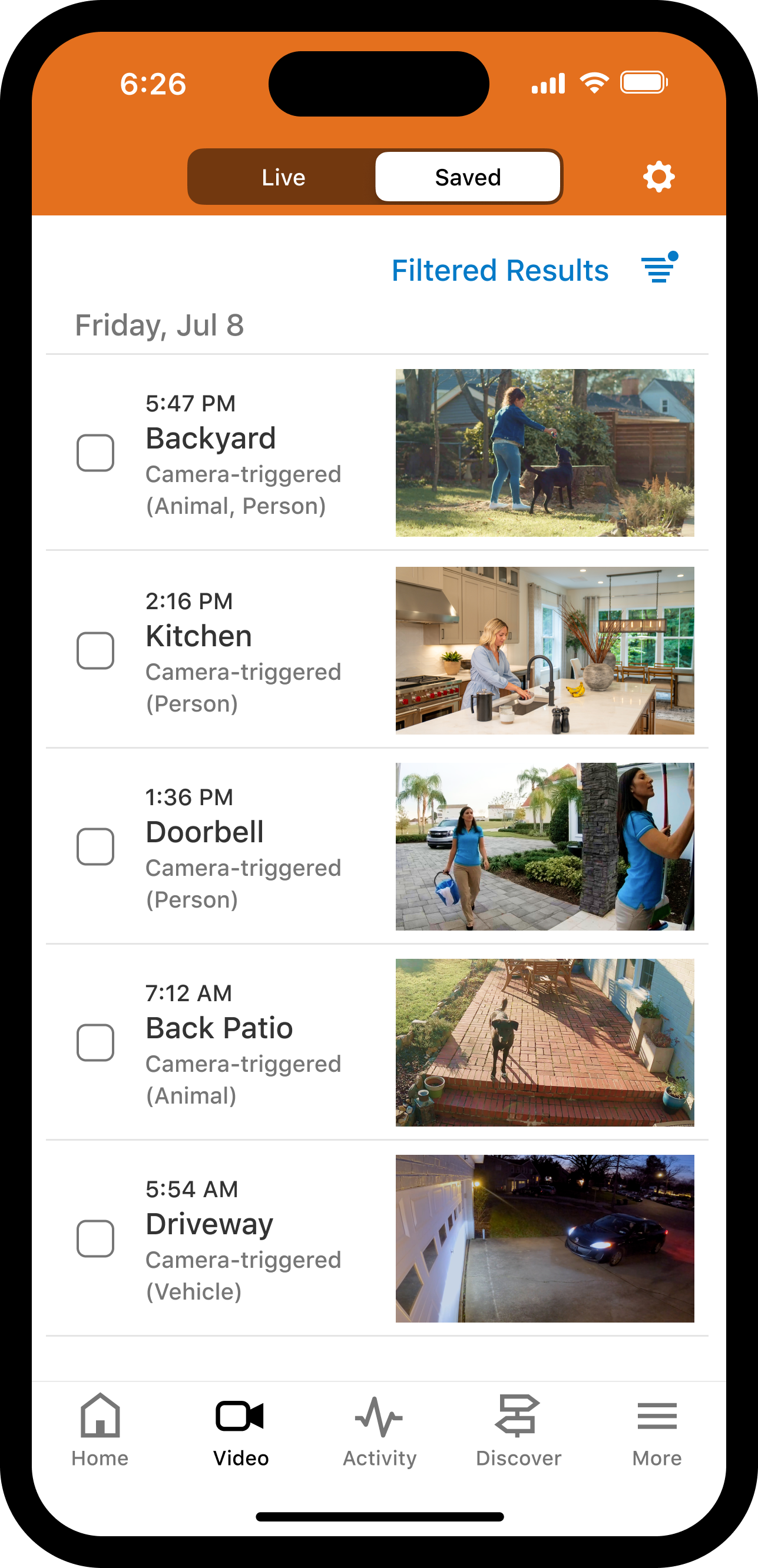
Distinguish people, vehicles and animals with smart video analytics.
Get notified about the activity you care about most.
View live video from your cameras, wherever you are.
Review recorded events and highlights, with additional recording options available.
View cameras, review saved clips and manage notifications through the app and web portal. Available features vary by plan and camera model.
Choose your video service.
Two straightforward monthly plans. Choose the features and recording capacity that fit your needs.
Video Essentials
Everyday video security with the tools to see what's happening and review important moments.
Expandable to 64
- Live camera viewing through app or web portal
- Event-based video recording and review
- Customizable video notifications
Video Plus
ADVANCEDMore recording capacity and advanced tools to find, understand and review video activity.
Expandable to 64
- Everything in Video Essentials
- Smart Video Event Search*
- Familiar Face Analytics*
- 24/7 onboard recording with Smart View*
Each video plan supports up to four cameras. Camera equipment and professional installation are priced separately. You can purchase your equipment outright or choose an ongoing monthly equipment lease. Leasing includes covered equipment failures and associated replacement labor, with a minimum 36-month commitment. Optional add-ons are billed separately.
*Advanced features require supported equipment and configurations. Compatible storage media may be sold separately.
Understanding your video features.
Curious about cloud clips, Smart View or advanced video analytics? Explore the details below, or continue to optional add-ons.
Cloud Video Clips Both plans
When a camera detects a qualifying event, a short recording can be saved online. Review saved clips through Alarm.com without searching through hours of footage.
Video Essentials includes 1,000 cloud clips, while Video Plus includes 3,000. Each Camera Expansion add-on increases cloud clip capacity by another 5,000.
24/7 Onboard Recording & Smart View Video Plus
Supported cameras can continuously record directly to a compatible microSD card. Smart View provides a color-coded timeline to navigate supported onboard recordings and review activity more efficiently.
Compatible cameras and storage media are required. Recording history depends on the equipment and storage capacity.
Smart Video Event Search Video Plus
Search supported video events using natural-language descriptions rather than manually reviewing every saved clip.
Familiar Face Analytics Video Plus
Compatible cameras can recognize familiar faces, helping distinguish known individuals from unfamiliar visitors. Availability depends on supported hardware and configuration.
Make it yours.
Start with your video plan, then add capabilities as your needs grow.
Camera Expansion
Expand your video service with more camera connections and additional cloud clip capacity, all in one add-on.
Up to 15 expansions · 64 cameras maximum
24/7 Local Recording
Add continuous local recording using a compatible standalone Stream Video Recorder (SVR), separate from camera-based onboard recording.
Compatible recorder hardware required
Add-ons are optional and billed in addition to your video plan. Each Camera Expansion adds four camera connections and 5,000 cloud video clips. Camera equipment and installation are priced separately.
Choose your cameras.
From your front door to your backyard, choose the cameras that provide coverage where you need it. Buy your equipment outright or choose an ongoing monthly lease that includes equipment coverage and replacement support.
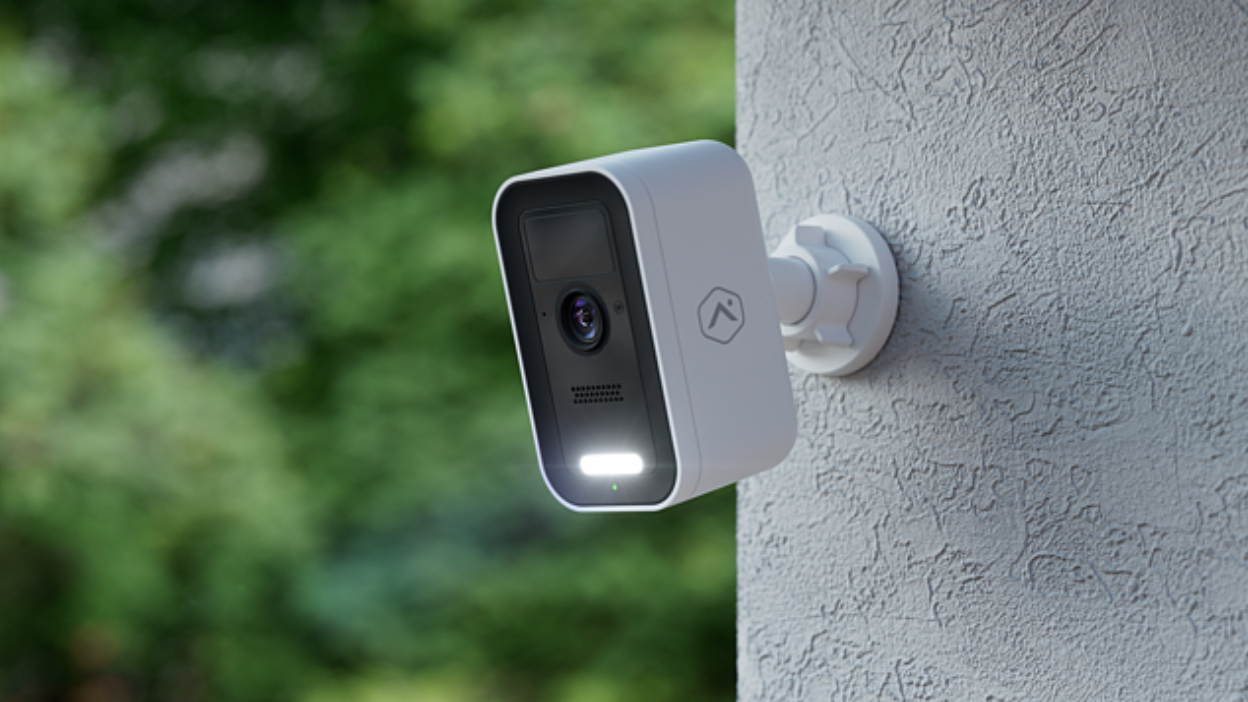
Outdoor Cameras
Keep an eye on driveways, yards, entrances and other important areas around your property.
How leasing works
Pay monthly instead of buying the camera. Your lease includes coverage for qualifying equipment failures and replacement labor.
36-month minimum commitment. Payments continue after 36 months until you end the lease. You do not own the equipment.
Ending the lease during the first 36 months requires payment of the remaining lease balance. Equipment-return terms and exclusions apply.
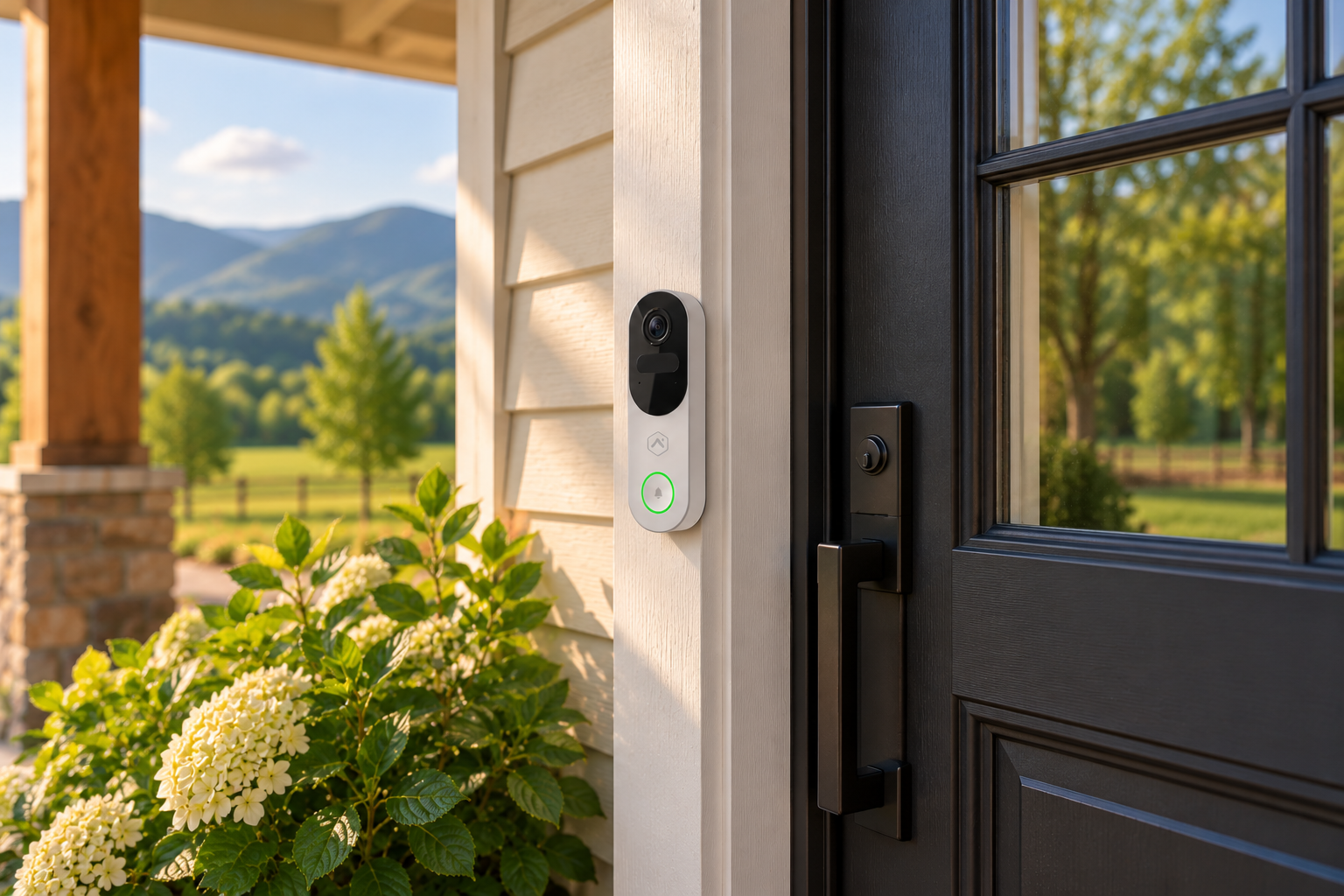
Video Doorbells
See who's at your door and stay informed about visitors, deliveries and front entry activity.
How leasing works
Pay monthly instead of buying the camera. Your lease includes coverage for qualifying equipment failures and replacement labor.
36-month minimum commitment. Payments continue after 36 months until you end the lease. You do not own the equipment.
Ending the lease during the first 36 months requires payment of the remaining lease balance. Equipment-return terms and exclusions apply.
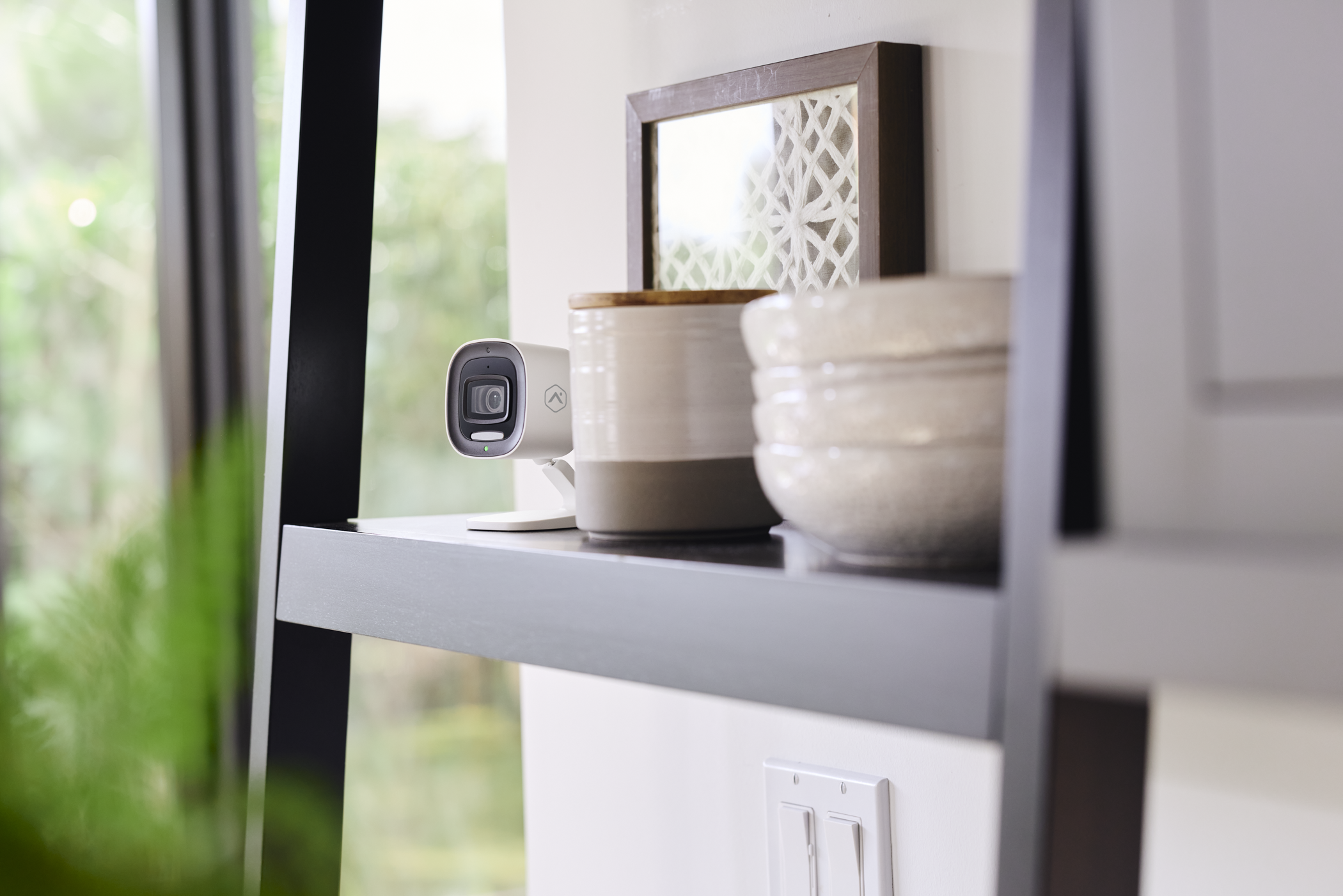
Indoor Cameras
Check in on pets, family and important spaces at home, with indoor video coverage.
How leasing works
Pay monthly instead of buying the camera. Your lease includes coverage for qualifying equipment failures and replacement labor.
36-month minimum commitment. Payments continue after 36 months until you end the lease. You do not own the equipment.
Ending the lease during the first 36 months requires payment of the remaining lease balance. Equipment-return terms and exclusions apply.
We'll handle the installation.
Once you've selected your cameras, review the one-time installation cost based on the size of your system.
Professional installation
One-time cost based on camera count.
What to expect
From choosing the right locations to getting everything connected, we're here to help.
Review your camera placement
We'll help identify the areas you want to monitor and determine suitable locations for your cameras.
Professional installation & setup
Our team will install your cameras, connect compatible equipment and configure your video system.
Get familiar with your system
We'll help you get started with the Alarm.com app so you can view cameras and manage notifications.
See what you've
been missing.
Tell us a little about your property and what you'd like to keep an eye on. We'll help you choose the right cameras, monthly plan and installation setup.
Already have Lingo internet? Great. Use another provider? That's fine too.
Trusted technology. Local support.
Alarm.com's secure video technology, paired with professional installation and support from your local Lingo team.
Encryption, account safeguards, two-factor authentication and supported privacy controls.
Personalized recommendations, professional installation and ongoing local support.
A few common questions.
Have more questions? Our team is happy to help.
Do I need Lingo internet to use this service?
No. Our video security service is available to customers using other internet providers, subject to service-area availability and technical requirements.
How much internet bandwidth do security cameras need?
Video cameras use your internet connection to stream live video, send notifications and upload recorded clips to the cloud. Upload speed is especially important, and bandwidth needs depend on the camera's resolution, recording settings and how many cameras are active at once.
As a general planning guideline, allow approximately 1–3 Mbps of upload bandwidth per active HD or 4MP camera, with additional capacity recommended for multiple cameras, higher-quality video and other household internet activity. This is an estimate, not a minimum requirement for every Alarm.com camera.
You don't need Lingo internet to use our video security service, but a reliable connection with sufficient upload capacity is required. Our team can help evaluate your connection and recommend a setup that fits your needs.
Are cameras included in the monthly plan?
No. Each plan supports up to four camera connections, but physical camera equipment is purchased or leased separately. Professional installation is also a separate charge.
How long do I pay for leased cameras?
Your monthly equipment lease payment continues for as long as you keep the cameras under the lease. The first 36 months are your minimum commitment. After that, you can end the lease without an early-cancellation fee, subject to the applicable termination and equipment-return terms. Leasing includes coverage for qualifying equipment failures and replacement labor, but you do not own the equipment.
What does the equipment lease cover?
While your lease is active, qualifying equipment failures and associated replacement labor are covered. Customer-caused damage, lost or stolen equipment, moves and reinstallation are not included in standard lease coverage.
If you purchase equipment outright, you own it once paid in full. Applicable manufacturer and purchased- equipment warranty terms apply instead of ongoing leased-equipment coverage.
What if I cancel my service or equipment lease?
If you cancel the equipment lease during the first 36 months, the remaining lease payments for that minimum term are due. After 36 months, there is no early-cancellation fee. Equipment lease obligations are separate from monthly video service charges, so canceling video service does not automatically end responsibilities under your equipment lease. Equipment returns and termination are handled under the applicable lease agreement.
Is someone monitoring my cameras?
Our current video plans are self-monitored. You manage live video, recordings and notifications through the Alarm.com app or portal. Professional central-station monitoring is planned for a future offering.
Who can access my security cameras and recordings?
Your privacy is important. With Lingo's self-monitored video security service, you control who can view your cameras through your Alarm.com account. Lingo can help manage your video service and troubleshoot equipment, but our team does not have routine access to watch your live camera feeds or recorded footage. You can authorize trusted users through their own account permissions. Optional future video monitoring or verification services may require separate enrollment and authorization.
What's the difference between onboard recording and 24/7 Local Recording?
Onboard recording stores continuous footage directly on a compatible camera's microSD card. This feature is available through Video Plus with supported equipment.
The optional 24/7 Local Recording service uses separate compatible SVR equipment to record video locally. SVR hardware is priced separately.